
Introduction
Creating high-quality visuals used to require expensive software and design skills. Today, anyone can generate professional images in seconds using a free AI image generator.
The problem is simple: most people need eye-catching visuals for blogs, ads, social media, or business branding—but lack time, budget, or design experience.
This guide shows how a free AI image generator solves that problem. You will learn how these tools work, the best platforms to use, and how to create images that look professional without paying anything.
Whether you are a blogger, marketer, or small business owner, this article will help you save time and improve your content quality instantly.
Overview: What Is a Free AI Image Generator?
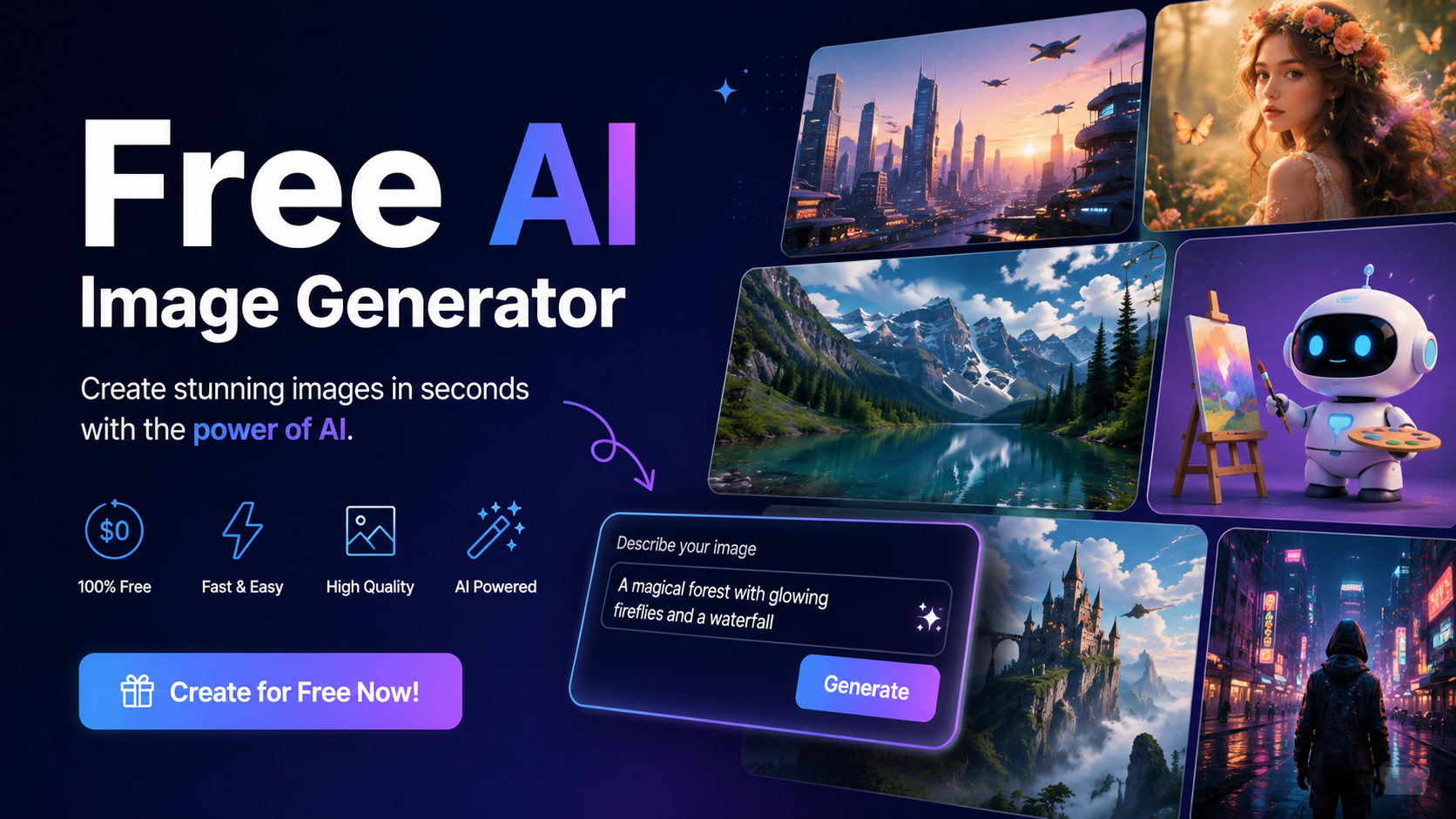
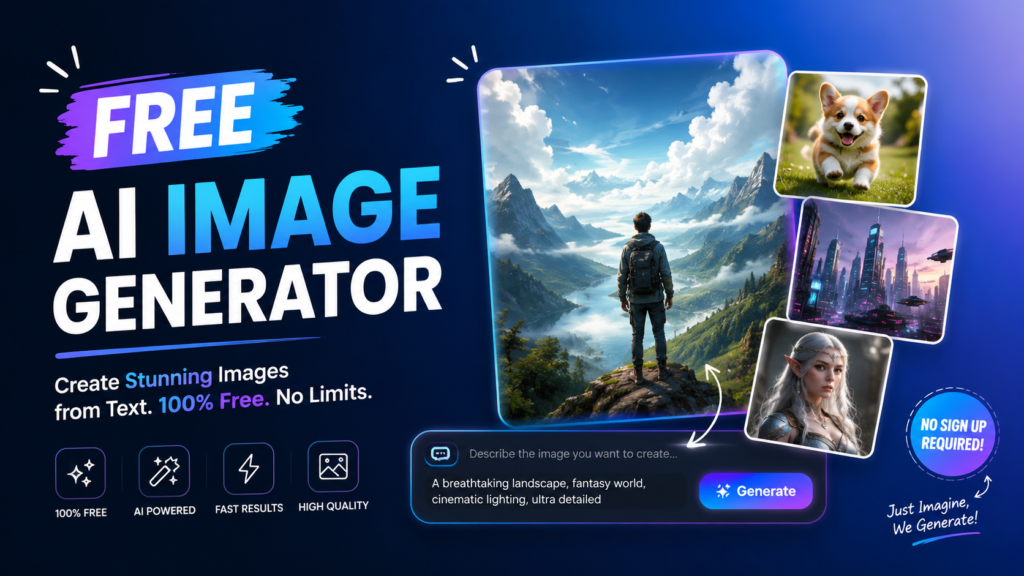
A free AI image generator is a tool that uses artificial intelligence to create images from text prompts.
You simply type what you want—like “a futuristic city at sunset”—and the AI generates a unique image in seconds.
Why It Matters
- Saves time compared to manual design
- Removes the need for Photoshop skills
- Reduces marketing and content creation costs
- Helps businesses scale visual content quickly
How It Works
Most AI image tools use deep learning models trained on millions of images. These models understand:
- Objects
- Styles
- Colors
- Lighting
- Composition
When you enter a prompt, the system predicts and builds a new image based on your description.
Popular technologies behind these tools include systems similar to those developed by OpenAI and other AI labs focused on generative models.
Best Free AI Image Generator Tools in 2026
Here are some of the most reliable tools you can use today.
1. DALL·E-Based Tools
Powered by advanced models from OpenAI, these tools generate highly realistic and creative images.
Best for:
- Marketing visuals
- Blog images
- Product concepts
2. Canva AI Image Generator
Canva integrates AI image generation directly into its design platform.
Key features:
- Easy drag-and-drop editing
- Built-in templates
- Social media optimization
3. Leonardo AI
A popular platform for gaming-style and artistic images.
Best for:
- Game assets
- Concept art
- Stylized visuals
4. Adobe Firefly
Adobe’s AI tool focuses on professional-grade design output.
Best for:
- Commercial projects
- Brand visuals
- High-quality marketing assets
Learn more from Adobe’s official site: Adobe Firefly AI Tools
5. Bing Image Creator
A free tool powered by Microsoft’s AI ecosystem.
Best for:
- Quick image generation
- Beginner users
- Social content
Explore it here: Bing Image Creator
How to Use a Free AI Image Generator (Step-by-Step)
Using a free AI image generator is simple if you follow the right process.
Step 1: Choose Your Tool
Select a platform based on your needs:
- Marketing → Canva or Firefly
- Creativity → Leonardo AI
- Fast results → Bing Image Creator
Step 2: Write a Clear Prompt
Your prompt is the most important part.
Example prompts:
- “A modern office workspace with natural lighting”
- “A futuristic robot working on a laptop”
- “Minimalist logo design for a tech startup”
Step 3: Generate the Image
Click “Generate” and wait a few seconds. The AI will produce multiple variations.
Step 4: Edit and Refine
Most tools allow:
- Color adjustments
- Style changes
- Background edits
Step 5: Download and Use
Save your image for:
- Blog posts
- Social media
- Ads
- Websites
Key Features of a Free AI Image Generator
Text-to-Image Creation
Turn simple text into detailed visuals.
Style Control
Choose styles like:
- Realistic
- Cartoon
- 3D
- Watercolor
Fast Output
Most tools generate images in under 30 seconds.
Multiple Variations
Get different versions of the same idea.
Use Cases for AI Image Generators
1. Blogging
Create featured images for articles.
2. Social Media Marketing
Generate engaging Instagram and Facebook visuals.
3. E-commerce
Design product mockups and ads.
4. Branding
Develop logo concepts and brand visuals.
5. YouTube Thumbnails
Create attention-grabbing thumbnails that increase clicks.
Comparison Table of Popular Tools
| Tool | Best For | Ease of Use | Quality | Cost |
|---|---|---|---|---|
| Canva AI | Beginners & marketers | Very Easy | High | Free + Paid |
| DALL·E Tools | Creativity & realism | Easy | Very High | Free/Paid |
| Leonardo AI | Artistic designs | Medium | High | Free + Paid |
| Adobe Firefly | Professionals | Medium | Very High | Free + Paid |
| Bing Image Creator | Fast generation | Very Easy | Good | Free |
For such more Ai related topics …
Pros and Cons of Free AI Image Generator Tools
Pros
- No design skills needed
- Saves time and money
- Unlimited creative ideas
- Works for any industry
- Easy to scale content creation
Cons
- Limited free credits
- Sometimes inconsistent quality
- Requires good prompt writing
- Some tools add watermarks
Pricing and Cost Considerations
Most free AI image generator tools follow a freemium model.
Free Plans
- Limited daily generations
- Basic image quality
- Standard resolution
Paid Plans
- Higher resolution images
- Faster processing
- Commercial usage rights
- Advanced editing tools
ROI Insight
For marketers, even a free plan can replace expensive stock photos and reduce design costs significantly.
Who Should Use a Free AI Image Generator?
Ideal Users
- Bloggers
- Content creators
- Digital marketers
- Small business owners
- Social media managers
Not Ideal For
- Users needing fully custom 3D production
- High-end professional photography projects
- Strict brand-controlled design systems
Actionable Tips for Better AI Images
1. Use detailed prompts
Instead of “car,” write:
“Red sports car on a mountain road during sunset”
2. Add style keywords
- cinematic
- ultra-realistic
- 4K
- minimalistic
3. Test multiple variations
Don’t rely on one output.
4. Combine tools
Generate in AI tools, then edit in Canva.
5. Keep branding consistent
Use similar colors and styles across all visuals.
Common Mistakes to Avoid
- Writing vague prompts
- Ignoring image resolution
- Using too many styles in one prompt
- Not editing generated images
- Overusing AI without brand consistency
Final Verdict
A free AI image generator is one of the most powerful tools for modern content creation.
Strengths
- Fast and easy image creation
- Cost-effective solution
- Great for beginners and marketers
Weaknesses
- Limited customization in free versions
- Quality depends on prompt skill
Recommendation
If you create online content, you should absolutely use a free AI image generator to improve speed, creativity, and engagement.
Start experimenting today. Choose one free AI image generator, write your first prompt, and create your first image in minutes. Consistent practice will improve your results quickly.
Conclusion
The rise of the free AI image generator has changed digital content creation forever. It removes barriers, saves time, and helps anyone create professional visuals without design skills.
Whether you are building a blog, running ads, or growing social media pages, AI image tools give you a competitive advantage.
FAQ Section
1. What is a free AI image generator?
It is a tool that creates images from text prompts using artificial intelligence.
2. Are free AI image generators really free?
Yes, but most have limits like daily credits or lower resolution.
3. Can I use AI-generated images for business?
Many tools allow commercial use, but always check licensing rules.
4. Which is the best free AI image generator?
Popular options include Canva, Bing Image Creator, and Leonardo AI.
5. Do I need design skills to use AI image tools?
No, you only need to write simple text prompts.
6. How can I improve AI-generated images?
Use detailed prompts, add style keywords, and refine outputs.
7. Are AI images copyright-free?
It depends on the platform’s policy, so always verify usage rights.
8. Can AI replace graphic designers?
No, but it significantly speeds up design workflows and idea generation.